
19.9.9.7

18/06/2026

Rehub – Magazine-style WordPress theme engineered for price comparison, multi-vendor marketplaces, and community blogging

Platform: WordPress | Updates: Constant | License: GPL Verified

For your site security, we provide thoroughly vetted and clean code, free from any backdoors or malicious modifications. Enjoy an efficient and worry-free WordPress plugin deployment experience.

REHub: Multi-Model Hybrid WordPress Engine

REHub is a hybrid, multi-purpose WordPress theme engineered to support and scale multiple digital monetization frameworks simultaneously. It integrates advanced SEO configurations, dynamic database comparisons, and complex e-commerce architectures into a single, modular codebase.

Multi-Vendor & E-Commerce Architectures
Multi-Seller Marketplace: Deploys digital product markets, wholesale directories, or multi-vendor storefronts where independent sellers can share single product pages with individual inventory and pricing arrays.

Deal & Coupon Communities: Builds user-generated deal networks and social coupon portals featuring front-end submission modules and community discussion threads.

Dynamic Price Comparison & Data Syndication
Real-Time Price Syncing: Integrates with Content Egg and bulk import scripts to fetch and render live, dynamic pricing tables and specifications from external affiliate networks.

Multi-Category Comparison Engine: Compiles dynamic comparison charts, tabular review matrixes, and multi-criteria rating systems to display side-by-side product specifications automatically.

High-Conversion & Content Monetization Layouts
Niche Affiliate Engines: Optimizes blogs and magazine portals with integrated affiliate links, offer hubs, price-range breakdown modules, and Top-X product ranking grids.

Advanced Review Construction: Provides structural review tools including custom drag-and-drop table builders, user-submitted review criteria, and schema-optimized snippet tags for search engine crawling.

Flexible Business Modules: Pre-configured templates tailored for digital asset marketplaces, online courses, gaming offer trackers, and localized wholesale directories.
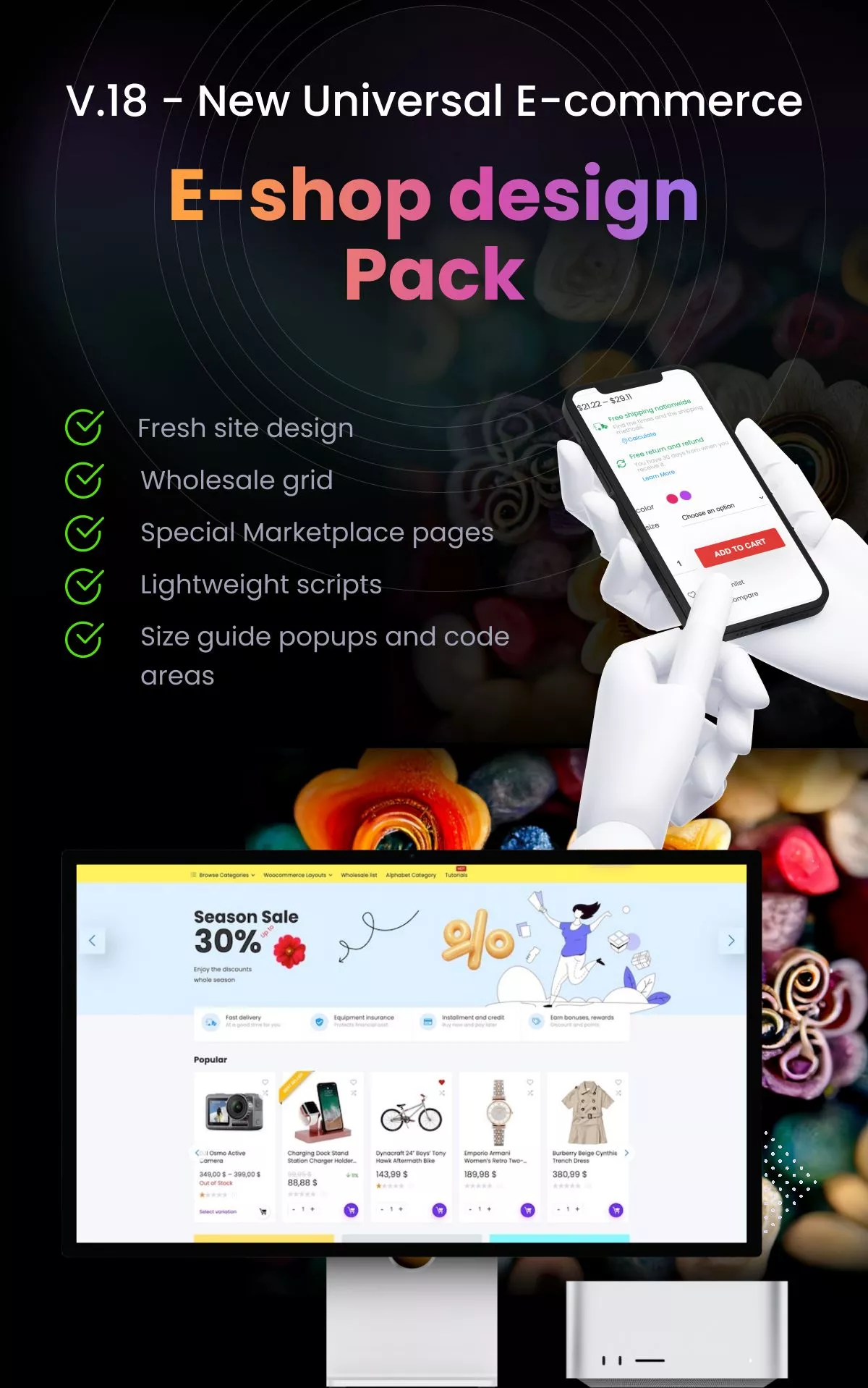
687474703a2f2f7770736f756c2e6e65742f692f6e65776f70742f65636f6d6d2e77656270


Follow these technical steps to install the REHub theme, configure its mandatory framework, and deploy your preferred business model layout.

Prerequisites
WordPress Environment: Ensure your instance is running the latest stable version of WordPress.

PHP Allocations: Adjust your server configuration via the php.ini file to memory_limit = 256M (512M recommended for data parsing), max_execution_time = 300, and upload_max_filesize = 64M to handle complex database queries and bulk data imports.

Step 1: Prepare the Archive
Locate the downloaded theme package on your local computer.

Extract the main package if necessary to locate the core installable archive named rehub-theme.zip. Keep this file compressed.

Step 2: Upload to WordPress Directory
Log in to your WordPress Dashboard (/wp-admin).

Navigate to Appearance > Themes on the left administrative menu.

Click Add New Theme at the top of the interface, then click Upload Theme.

Click Choose File, select the rehub-theme.zip archive, and click Install Now.

Step 3: Theme Activation
Allow the server file transfer and background decompression scripts to finish executing.

Click the Activate link once the installation success message appears.

Step 4: Component & Plugin Setup
Upon activation, the system will automatically redirect you to the REHub Welcome Panel.

Follow the setup prompts to install the mandatory REHub Framework plugin.

Select and install additional recommended plugins based on your target business model (e.g., WooCommerce for multi-vendor marketplaces, Elementor for visual editing, or Content Egg for automated price comparison fetching).

Step 5: Demo Layout Deployment
Navigate to REHub > Demo Import within your dashboard sidebar.

Browse the available configurations tailored to your niche (such as ReDeal for coupon portals, ReCompare for specifications, or ReMarket for multi-vendor shops).

Click Import on your selected sub-theme layout to populate database structures, taxonomies, and sample content blocks.

Step 6: Deploy Child Theme
Return to Appearance > Themes.

Click Add New Theme > Upload Theme to select the rehub-child.zip file from your local folder.

Activate the child theme to safeguard your custom hooks, filters, and styles against future theme updates.