1.6.2

12/06/2026

Bacola – Grocery and food e-commerce WordPress theme

Platform: WordPress | Updates: Constant | License: GPL Verified

For your site security, we provide thoroughly vetted and clean code, free from any backdoors or malicious modifications. Enjoy an efficient and worry-free WordPress plugin deployment experience.

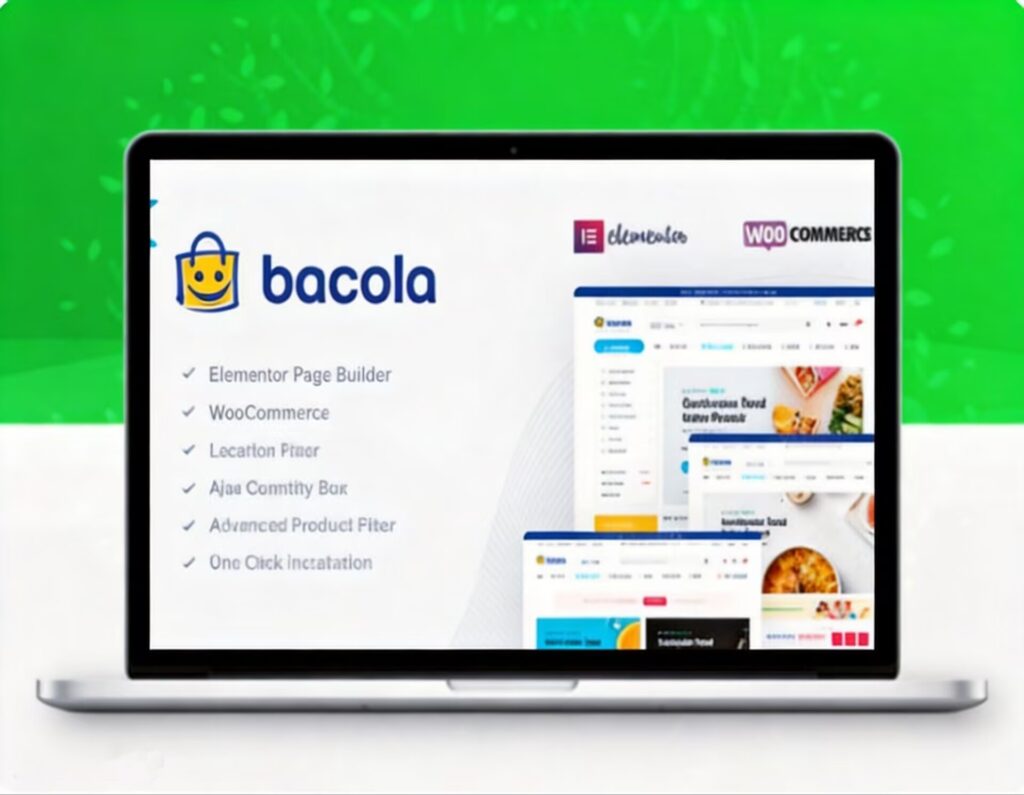
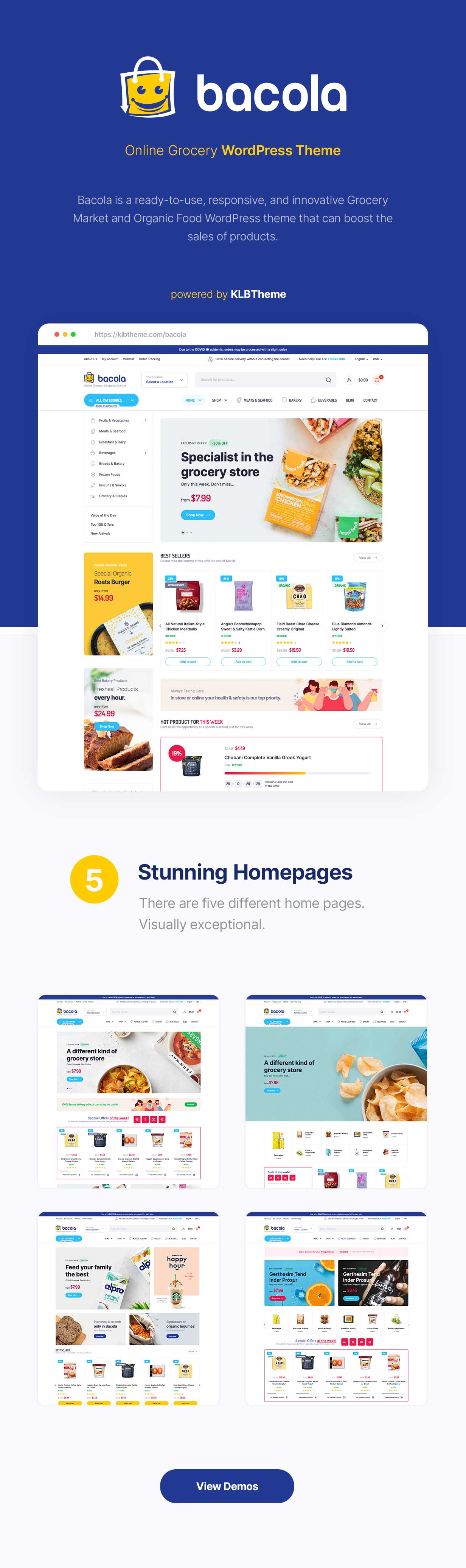
Bacola: Grocery Market & Multi-Vendor E-Commerce WordPress Theme

Bacola is a high-conversion e-commerce architecture engineered for online grocery stores, organic food shops, and high-volume digital supermarkets. Optimized for the Elementor and WooCommerce ecosystems, it simplifies the transition from brick-and-mortar retail to digital operations, requiring no prior coding experience.

Multi-Vendor & Marketplace Scalability
Dokan Ecosystem Integration: Fully compatible with Dokan and marketplace extensions to transform a standard storefront into a multi-vendor marketplace, allowing independent merchants to register, list products, and manage inventories.

Hyper-Local Logistics Layout: Pre-configured architectures natively support food delivery networks, agricultural supply chains, and localized fresh produce distribution models.

Modular Visual Customization
Elementor-Driven Layouts: Built around native Elementor modules for drag-and-drop structural styling, dynamic inventory presentation, and streamlined checkout optimization.

Cross-Industry Adaptability: While deeply optimized for organic foods and fresh vegetables, the theme’s core UI components and product grids scale seamlessly for electronics, fashion, and toy retail storefronts.

Agile Setup & Rapid Launch
Accelerated Deployment Engine: Turnkey setup paths allow users to configure global options, payment gateways, and localized product listings within a few hours, bypassing steep development learning curves.
68747470733a2f2f6b6c627468656d652e636f6d2f696d672f6261636f6c612f6261636f6c61312e6a7067

Follow these steps to deploy and configure the Bacola theme and its e-commerce infrastructure on your WordPress site.

Prerequisites
Update your WordPress core installation to the latest stable version.

Set your server’s PHP memory limit to 256M or higher to ensure smooth operation of WooCommerce data arrays and Elementor templates.

Step 1: Prepare the Theme File
Download the theme installation package from your marketplace account.

Locate the core installable file named bacola.zip. Keep this archive file in its original .zip format without extracting it.

Step 2: Upload to WordPress
Log in to your WordPress Dashboard (/wp-admin).

Navigate to Appearance > Themes using the left-hand navigation menu.

Click the Add New Theme button at the top of the interface, then click Upload Theme.

Click Choose File, select the bacola.zip file from your local directory, and click Install Now.

Step 3: Activate the Theme
Wait for the upload script and automated archive extraction to finish.

Once the successful installation notice appears, click the Activate link.

Step 4: Run the Setup Wizard
Upon activation, the system will automatically redirect you to the Bacola Setup Wizard.

Follow the on-screen prompts to install required core dependencies, including WooCommerce and Elementor.

Navigate to the demo import panel to execute a 1-click full-site data import for your chosen grocery or marketplace layout.