Grid-Based Responsive WordPress Theme with Muffin Builder
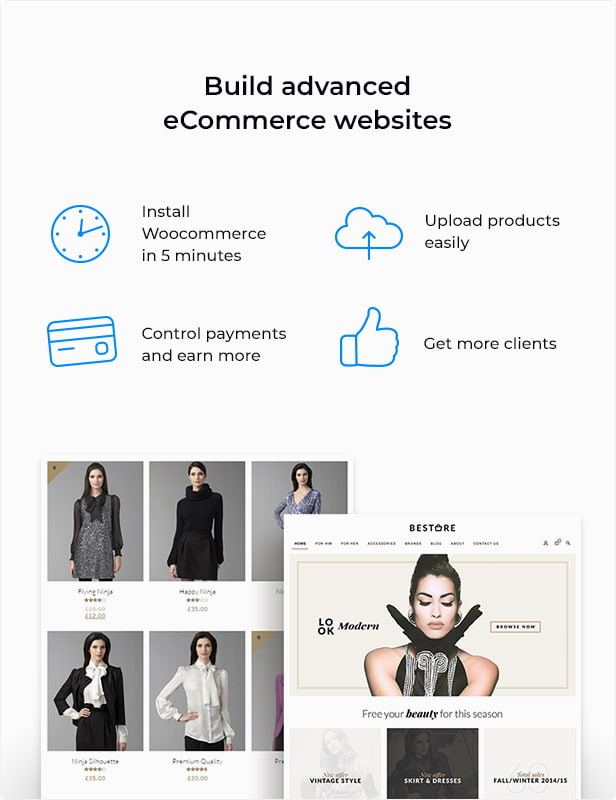
This WordPress theme features a grid-based architecture engineered for deep structural customization and cross-platform responsive rendering. Powered by the native Muffin Builder engine, it provides web developers and creators with a robust configuration layer to deploy content-heavy sites, portfolios, and e-commerce storefronts.
Core Layout & Visual Engineering
Multi-Grid Formatting: Supports 4 discrete layout frameworks natively: 1240px Boxed, 960px Boxed, 1240px Full-Width, and 960px Full-Width.
Header & Navigation Systems: Outfitted with 7 distinct header variations, unlimited custom menu allocations, Mega Menu compliance, and independent footer navigation menus.
Visual Asset Control: Offers native support for custom typography uploads, subheader background images, social network icons, integrated breadcrumbs, and standard/Retina-ready branding configurations (logos and favicons).
Muffin Builder & Content Customization
Modular Drag-and-Drop Editor: The Muffin Builder engine enables modular component splitting, layout generation, and structural overrides without editing raw code arrays.
Pre-Built Component Library: Packed with over 200 custom builder elements and shortcodes to fast-track interface layouts.
Flexible Content Structuring: Includes 3 standalone blog templates, 4 category layout variations, a specialized widget top zone, 6 custom built-in widgets, and dedicated internal subpage setups.
Technical Compliance & Ecosystem Integration
Plugin & Core Compatibility: Verified for WordPress core and WooCommerce environments. Fully compatible with Yoast SEO, All in One SEO, Contact Form 7, and Revolution Slider.
Multi-Language & API Architecture: Ready for WPML multilingual deployments. Integrates Google Maps API rendering blocks (requires a Google Maps Platform billing account).
Clean Codebase: Written in standard HTML5 and CSS3 with cross-browser compatibility and highly commented code arrays for seamless backend debugging.
Developer Assets & Documentation
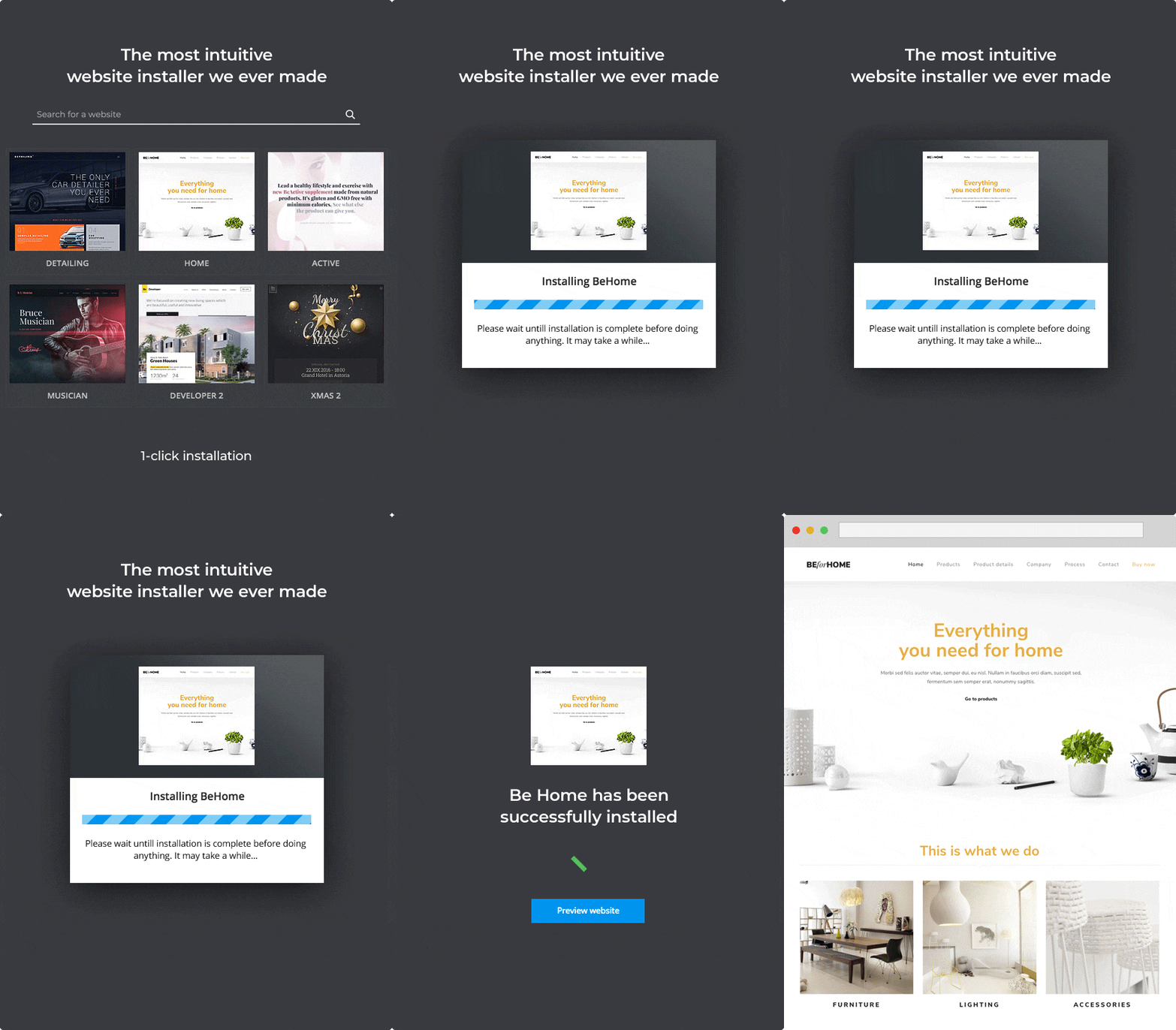
Turnkey Onboarding Assets: Packaged with an XML demo data file for 1-click layout reconstruction.
Design & Instruction Pack: Includes 18 layered Photoshop (PSD) source files containing full UI kits, master homepages, comprehensive documentation, and high-definition voiceover video tutorials.