
Platform: WordPress | Updates: Constant | License: GPL Verified
For your site security, we provide thoroughly vetted and clean code, free from any backdoors or malicious modifications. Enjoy an efficient and worry-free WordPress plugin deployment experience.
Elessi: Conversion-Optimized WooCommerce WordPress Theme
Elessi is a clean, modern WooCommerce theme engineered to improve user experience and increase checkout conversion rates. Compatible with both Elementor and WPBakery layout engines, it provides a structured technical framework for deploying e-commerce storefronts.
Layout Architecture & Builder Compatibility
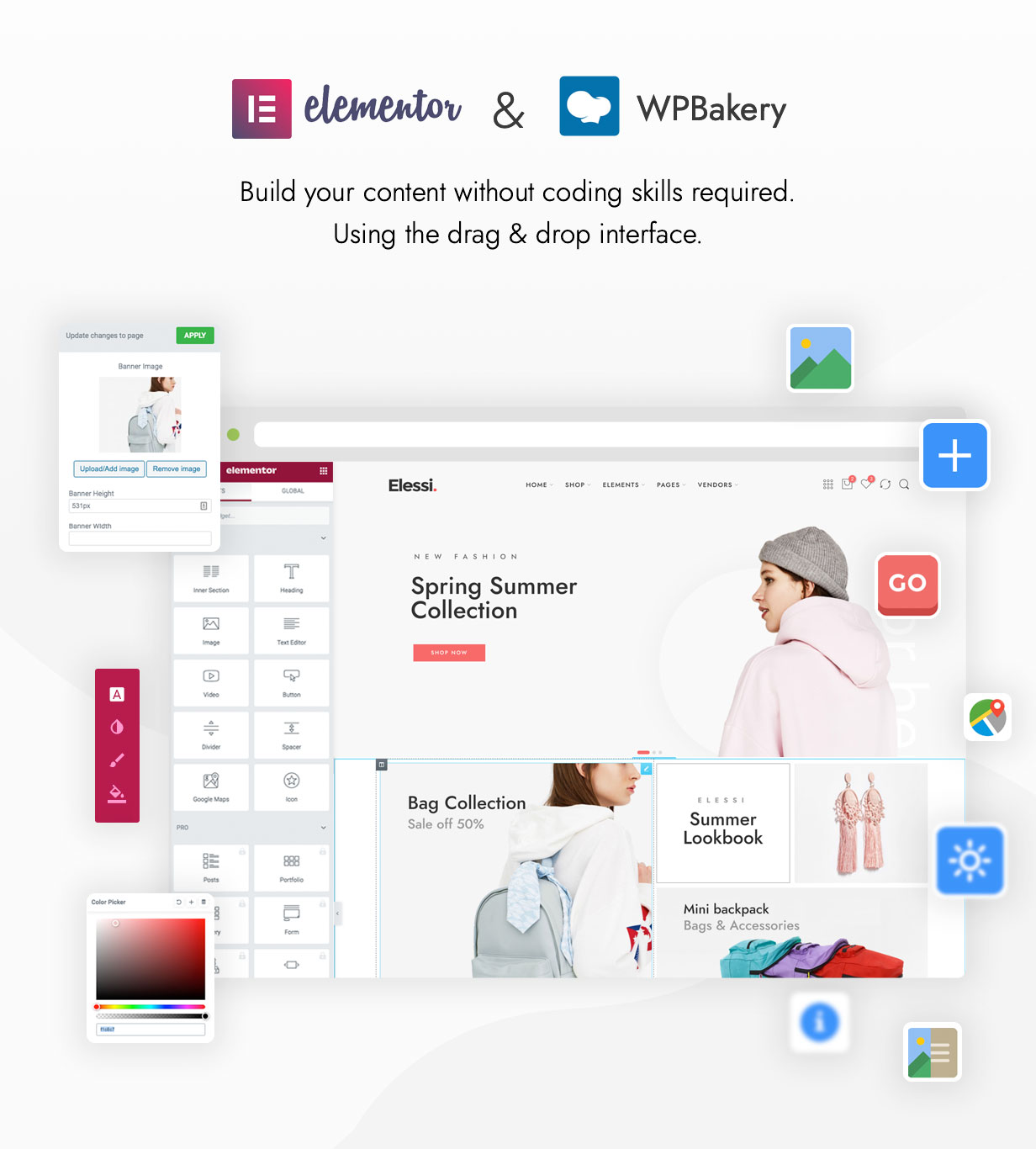
Dual-Builder Support: Native integration with both Elementor and WPBakery Page Builder, including an array of custom visual builder elements.
Pre-Built Design Assets: Includes 38+ master templates and 8+ standalone homepage configurations deployable via a 1-click demo installation wizard.
Canvas Customization: Provides toggle options for boxed or stretched layouts alongside direct pixel-width adjustments for the maximum site viewport.
E-Commerce & Conversion Engineering
Instant AJAX Search: Drives immediate product discovery through a live-search dropdown that renders text and image thumbnails dynamically.
Native Product Comparison: Features an integrated product comparison matrix to assist users with technical specification vetting without external plugins.
Attribute-Based Filtering: Utilizes specialized database query widgets to filter products based on specific WooCommerce taxonomy attributes (size, color, brand, etc.).
Shop Layout Variations: Supports grid and list viewing modes across four structural layout models: top sidebar, left sidebar, right sidebar, or full-width (no sidebar).
Technical Specifications & Customization
Header & Footer Builder: Visual composition tools to assemble custom navigation bars, top bars, and footer blocks directly within the administrator dashboard.
Environment Compatibility: Verified execution compliance across PHP arrays from 5.3.x through 7.x environments.
Typography & Styling Control: Out-of-the-box integration with Google Fonts and Font Awesome icon sets, backed by a custom font uploader and unlimited hexadecimal color configuration fields.
SEO & Global Readiness: Clean, SEO-optimized markup with full RTL (Right-to-Left) language rendering support and translation-ready asset configurations.
Bundled Add-ons: Packaged with a starter child theme for safe code modifications, Slider Revolution, and a localized documentation/FAQ resource bundle.


Follow these technical steps to install the Elessi theme, activate its core e-commerce dependencies, and import pre-built demo configurations.
Prerequisites
WordPress Core: Verify that your site runs a stable release of WordPress core.
Server Configurations: Adjust your server’s php.ini file to allocate memory_limit = 256M and max_execution_time = 180 to prevent script execution timeouts during plugin deployment and database asset configuration.
Step 1: Prepare the Installation Files
Locate the downloaded theme package on your local drive.
Extract the main archive folder if necessary to find the installable core theme file named elessi.zip. Keep this file in its compressed format.
Step 2: Upload via WordPress Admin Panel
Authenticate into your WordPress Dashboard (/wp-admin).
Navigate to Appearance > Themes in the left administrative sidebar.
Click Add New Theme at the top of the viewport, then select Upload Theme.
Click Choose File, select the elessi.zip archive from your local storage, and click Install Now.
Step 3: Theme Activation
Wait for the server file transfer and automated extraction procedures to complete.
Once the successful installation log is displayed, click the Activate link.
Step 4: Install Required Plugin Dependencies
Upon activation, the system will launch the onboarding interface or redirect you to the theme setup panel.
Follow the wizard prompts to install the mandatory Elessi Core plugin.
Select and install your preferred page builder ecosystem (Elementor or the bundled WPBakery Page Builder) alongside WooCommerce and Slider Revolution.
Step 5: Execute One-Click Demo Import
Navigate to Elessi > Demo Importer (or the corresponding setup wizard section) within the dashboard.
Select your target homepage layout configuration from the 38+ available options.
Click Import to populate your database with structural layout blocks, global settings, and product taxonomy configurations.
Step 6: Deploy Child Theme (Recommended)
Navigate back to Appearance > Themes.
Click Add New Theme > Upload Theme to install the elessi-child.zip file located in your original download bundle.
Activate the child theme to preserve code adjustments during future core theme updates.