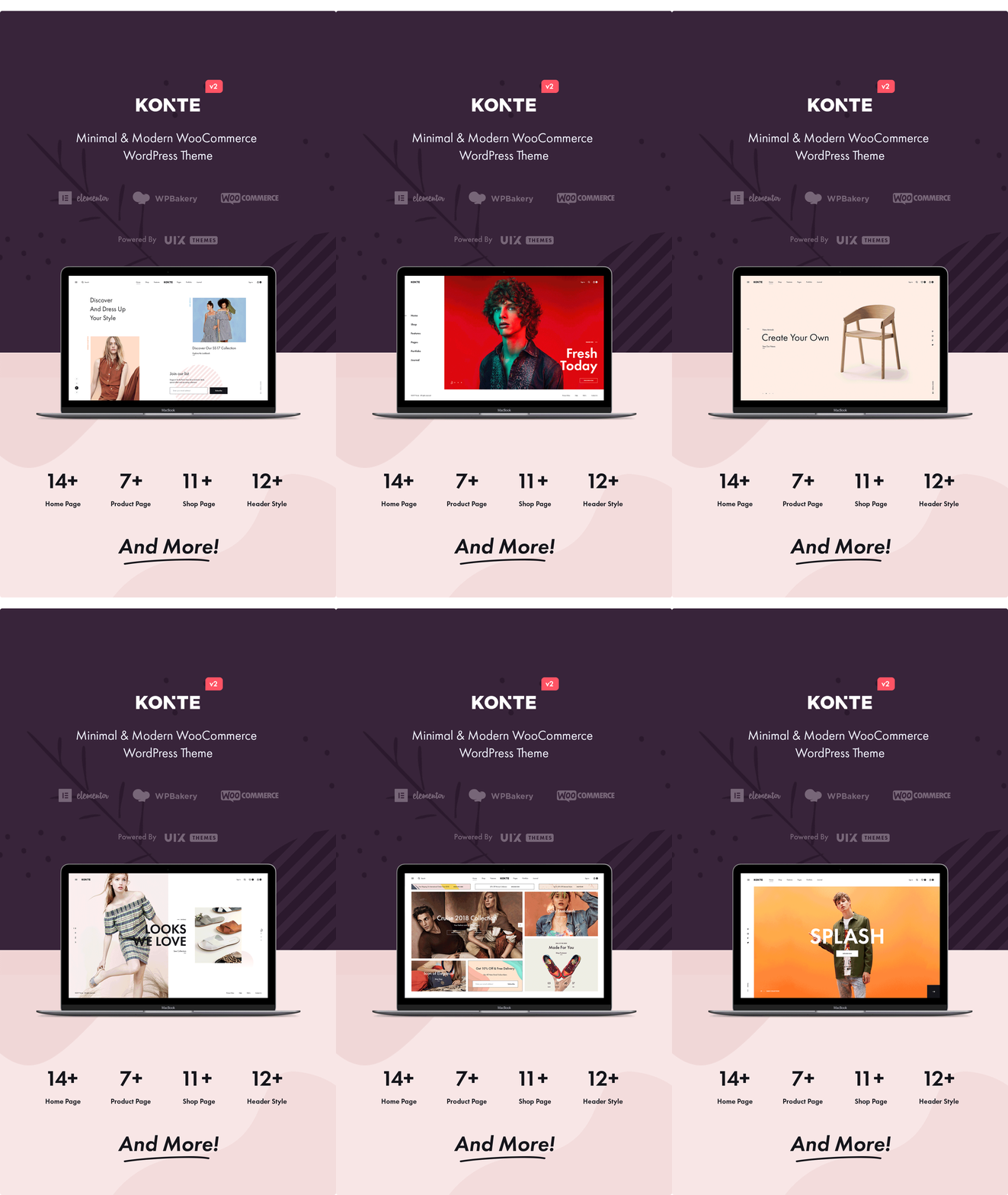
Konte Pro is a contemporary e-commerce infrastructure engineered on the Bootstrap framework, featuring native compatibility with both Elementor and WPBakery Page Builders. Designed for high-end digital storefronts, tech outlets, fashion boutiques, luxury goods, and furniture brands, it consolidates flexible design controls with rigorous e-commerce workflows to deliver an optimized shopping experience.
Core Architecture & Structural Assets
Multi-Layout Inventory: Includes 10 pre-configured homepage layouts, 3 distinct shop indexes, and 7 single product detail templates to fit diverse brand aesthetics.
Modular Header & Footer Builders: Features a custom header builder with 10 preset designs. Supports regular sticky and “smart sticky” viewport behaviors to maintain clean navigation.
Premium Plugin Bundles: Integrates WPBakery Page Builder, Slider Revolution for fluid transitions, and YellowPencil for real-time CSS customization.
Navigation & Typography: Implements responsive multi-column Mega Menus, Font Awesome icon arrays, and native Google Fonts integration.
Advanced E-Commerce & Transaction Logic
Comprehensive Product Architecture: Native handling for physical goods (simple and variable items), digital/downloadable file delivery, and external affiliate redirect listings.
Conversion-Driven UI Components: Equipped with an Ajax mini-cart, product quick-view panels, variation swatches for multi-attribute products, and advanced sidebars for item filtering (by size, color, rating, etc.).
Operational Toolkit: Features an integrated frontend shipping calculator, complex tax/shipping logic, a native order tracking module, and a one-click “Catalog Mode” toggle to disable transactional checkouts.
Store Management & Analytics: Includes a built-in coupon generator, customer review/rating matrices, and backend sales report dashboards for data-driven optimization.
System Integration & Technical SEO
Marketing Readiness: Built-in support for MailChimp newsletter capture, YITH WooCommerce Wishlist, and multi-currency localization.
Optimized Codebase: Adheres to semantic, SEO-friendly markup practices, featuring a fully responsive, Retina-ready layout grid compliant with standard Bootstrap components.