Motors: Automotive Dealership, Rental & Classifieds WordPress Theme
Motors is an advanced e-commerce and directory infrastructure built specifically for the automotive sector. Compatible with both Elementor and WPBakery, it enables businesses to build highly optimized platforms for buying, selling, renting, or leasing cars, electric vehicles, motorcycles, boats, and commercial trucks.
Advanced Classifieds & Monetization Architecture
Paid Memberships System: Built-in tools allow platform operators to monetize their sites by setting up tiered subscription plans and paid packages for listing submissions.
Dealer & Seller Registration: Multi-dealer directory framework enabling individual sellers and commercial dealerships to create dedicated profiles, manage inventories, and gather user-submitted reviews.
Secure Checkout Gateway: Integrated with PayPal to handle transactional pipelines safely for listing placements, premium promotions, and subscription tier activations.
Inventory Management & Automation Tools
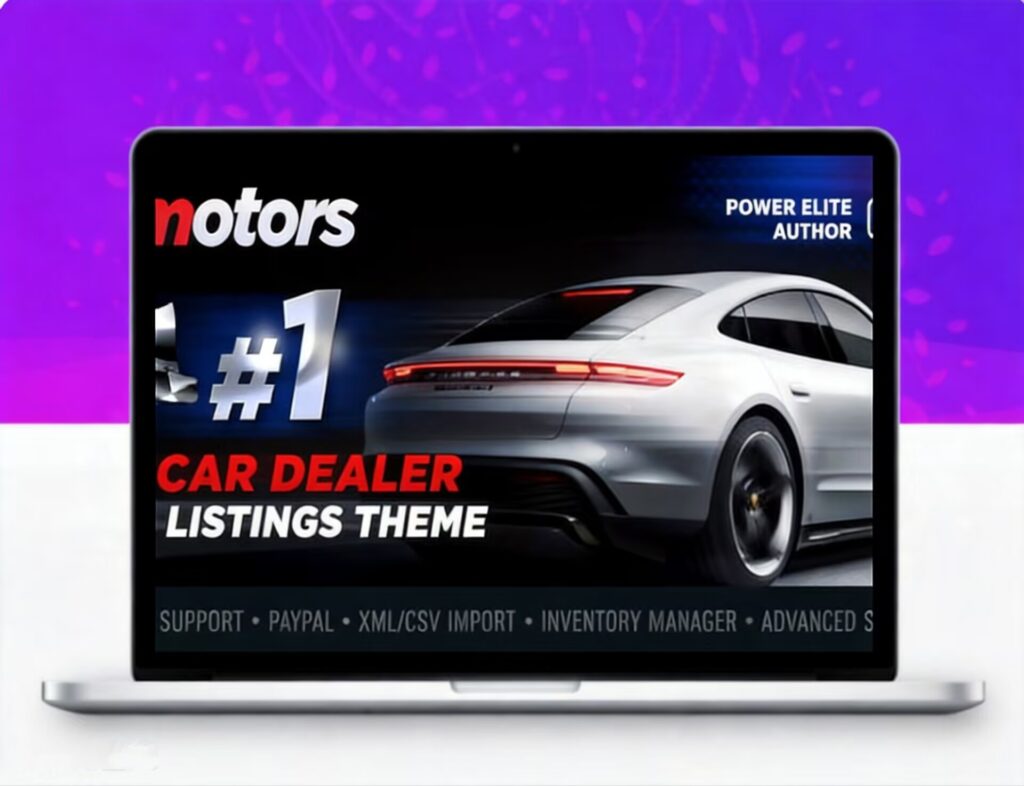
Automated Data Imports: Supports bulk synchronization of vehicle databases using XML or CSV formats executed automatically via server Cron jobs.
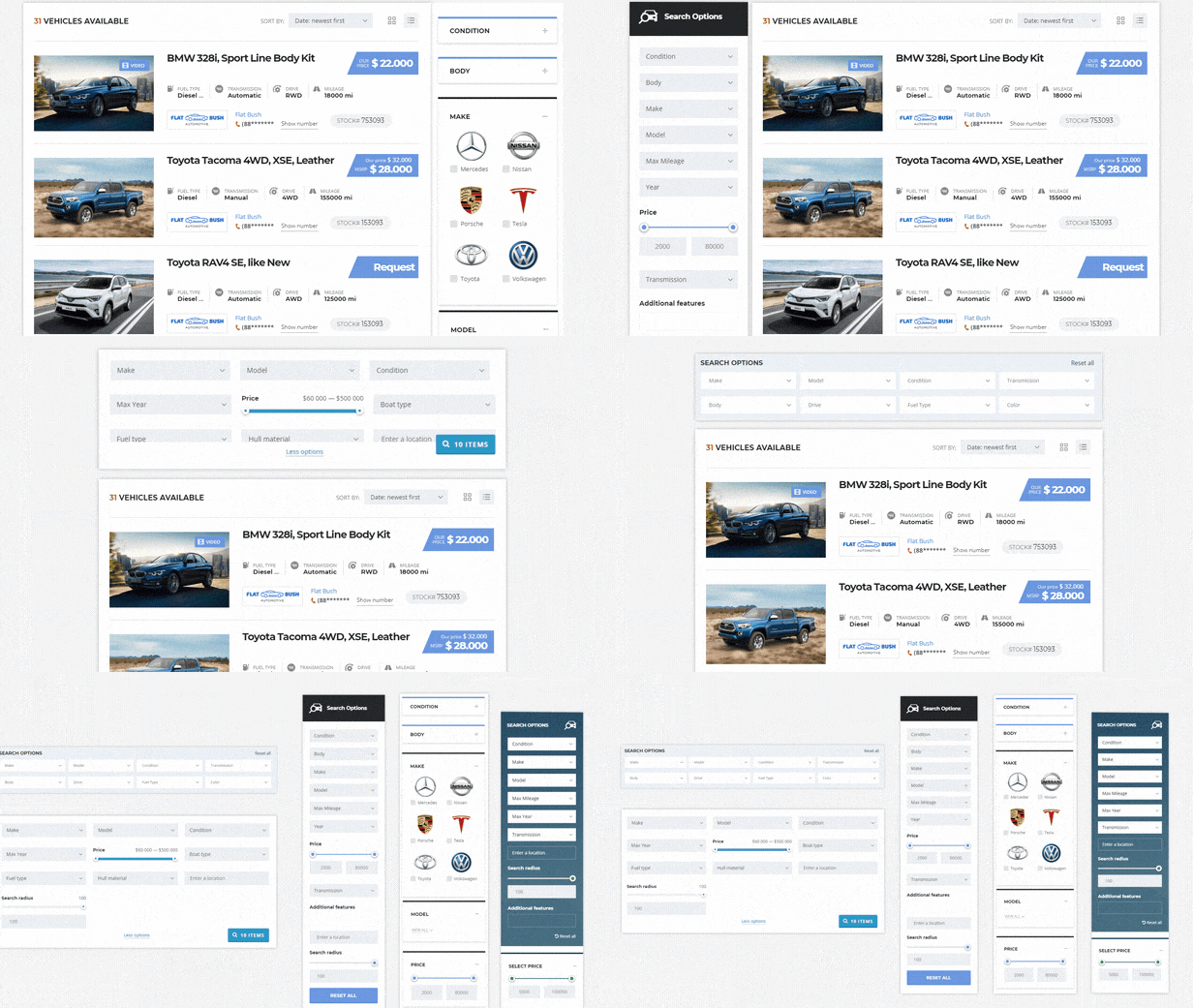
Dynamic Listing Categories: Create unlimited custom vehicle structures. You can independently configure individual metadata fields and specification parameters tailored to each vehicle type, keeping metrics for cars, boats, or industrial trucks distinctly separated.
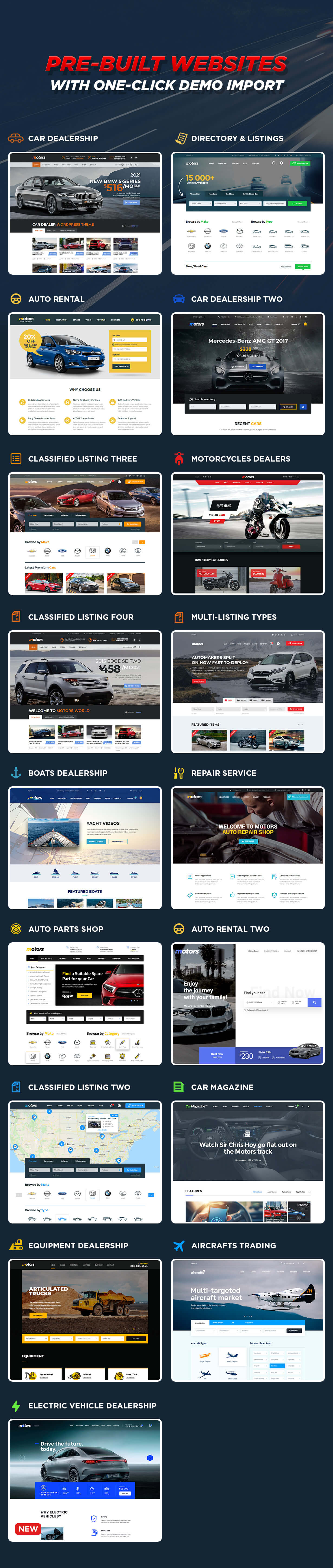
Niche-Specific Versatility: Pre-configured workflows optimized to power digital storefronts for car dealerships, vehicle rental agencies, auto parts suppliers, and mechanical repair services.
Global Localization Ready
Professional Multi-Language Translations: Comes with ready-to-use, professional translation packages for 8 languages: Arabic, French, German, Italian, Portuguese, Spanish, Dutch, and Turkish.